Peace is a Windows graphical interface (GUI) for Equalizer APO that makes it easy to control your sound with sliders, curves, and presets. Real-time adjustments without editing text files — ideal for gamers, podcasters, and music lovers.
Windows Vista through 11 — Requires Equalizer APO 0.9.1+
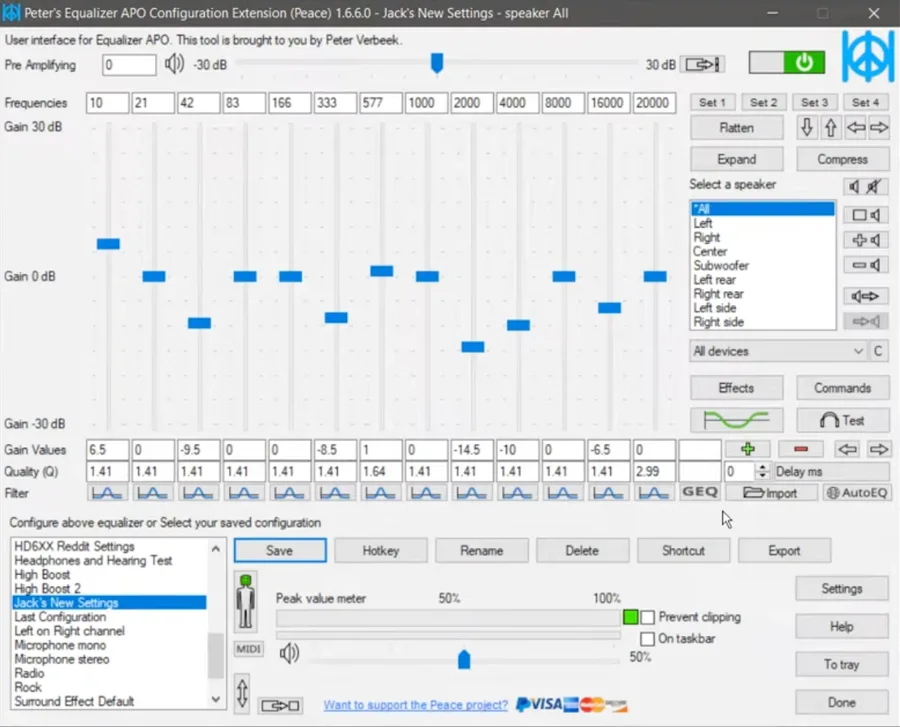
Peace Equalizer APO is a comprehensive Graphical User Interface for Equalizer APO in Windows. It is a system-wide EQ that adjusts your audio and controls things such as balance, delay, and crossfeed.
With Peace EQ, Equalizer APO becomes an intuitive, feature-rich audio control center, making it easy to customize your sound exactly as you require. The Peace Equalizer is an audio mixer that works perfectly for any version of Windows, from Vista to 11.
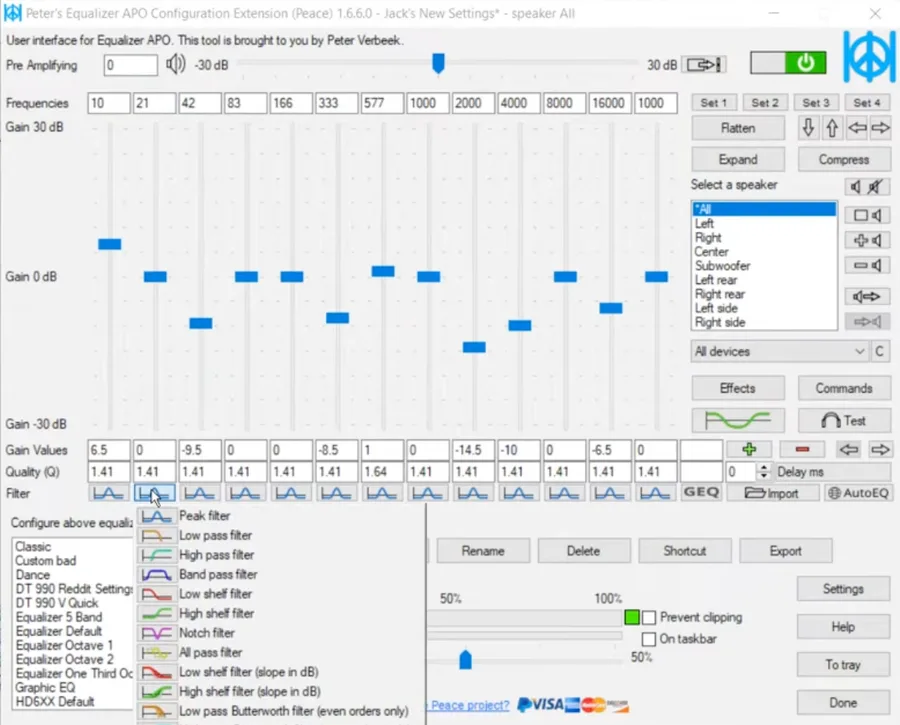
The Peace interface is divided into 3 main parts, each designed to make audio control simple and organized.
Manages and loads Peace Equalizer presets and filter settings.
Adjusts frequencies precisely using sliders or manual values.
Choose speakers or channels you want to configure. A different use of the channel/speaker feature in Equalizer Peace is for the hearing impaired. Left and right-channel amplification and EQ can be adjusted to match your hearing impairment.
Explore the Peace Equalizer interface with real screenshots showing its powerful audio controls.
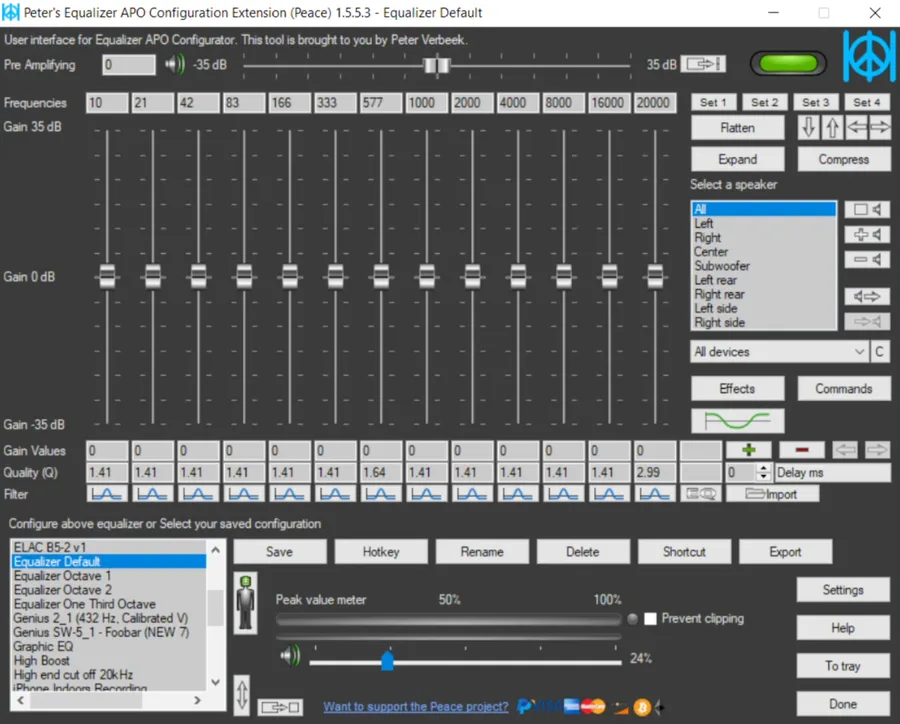
Here are the standout features that make Peace the best GUI for Equalizer APO.
Automatically adjusts sounds for 1000+ headphone models using precise, scientifically measured frequency profiles.
Provides a live frequency curve for each speaker, showing how your adjustments affect the audio.
With Peace EQ, you can choose from a range of colors and layouts to customize the theme tailored to your choice.
You can easily switch between profiles using hotkeys and save the settings for custom peace equalizer presets as per your requirements.
You can adjust up to 31 gain dB Equalizer sliders per channel with unlimited options for ultimate control over your interface. All sliders have their own frequencies, gain, and Q values.
Using customizable keyboard shortcuts, you can control Peace from anywhere on your PC. Connecting a hotkey to a configuration makes the process much quicker.
Set up stereo, 5.1, 7.1, or custom speaker settings for up to 9 speakers.
Easily apply balance, crossfeed, bass boost, and virtual surround.
Multiple languages are available for users worldwide.
Follow these steps to download and install Peace Equalizer on your Windows PC.
Installing Equalizer APO is the foremost requirement for Peace EQ. Install Equalizer APO version 0.9.1 or above on your Windows PC.
Once EQ is installed on your device, download the latest version of Peace Equalizer.
Run the installer, typically named as PeaceSetup.exe. It will automatically detect your Equalizer APO installation and configure the Peace settings accordingly.
Some antivirus programs may falsely show PeaceSetup.exe as a threat. Ignore this warning; Peace is completely safe and open-source software.
Open Peace Equalizer from the Start menu. You'll be able to see the default, customizable interface settings.
Select a preset for your headphones from the AutoEQ database or create a custom EQ profile using the 31-band Equalizer.
Peace offers multiple ways to manage your audio settings.
Peace includes a wide range of filters to adjust your audio exactly how you want:
Peace EQ is safe to use and doesn't contain viruses or spyware, provided it is downloaded from a trusted online source. Here's how you can ensure the safety of Peace:
Get Equalizer APO first, then install Peace Equalizer to unlock the full GUI experience.